You train. Trainlike grades the workout and sets your next targets.
See how your workout compares to your recent training, what’s improving, and exactly what to aim for next time.


Scan with your phone to download
First three workouts free, insights included.
Workout insights
Next workout
01
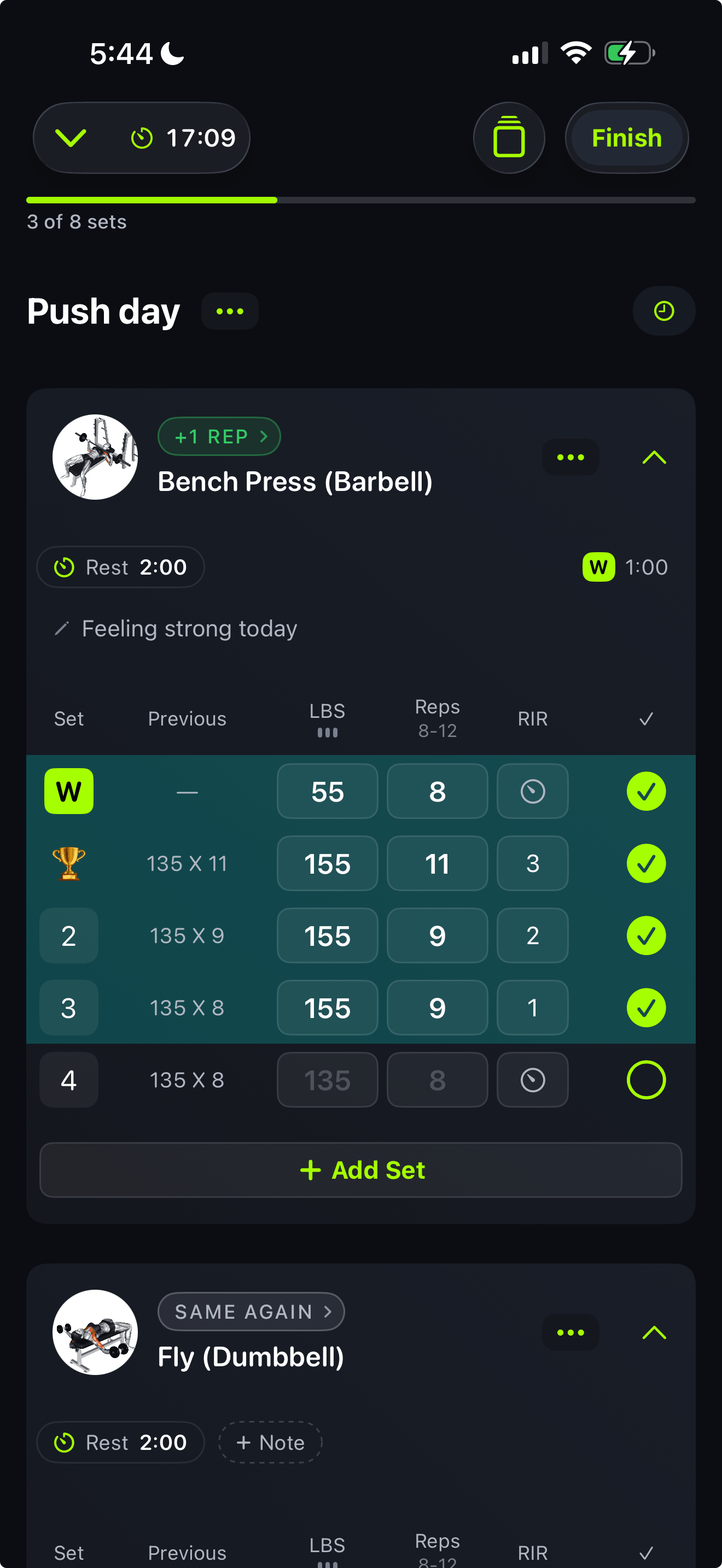
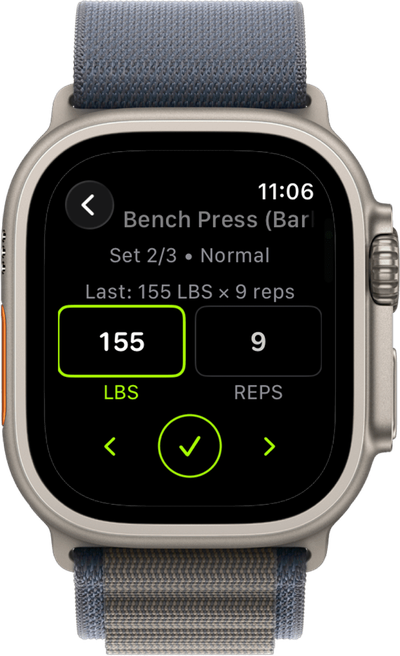
Bring your routine, import your workout history, or start with a plan built for you. Log your sets, reps, and weight.
02
Get a grade that shows how your workout compares to your recent training, with the sets behind it.
03
Walk into your next workout knowing what to aim for. Your targets are already set from what you lifted.
Workout insights
A grade after every workout, and deeper reads on every lift. Trainlike turns what you log into feedback you can actually use.
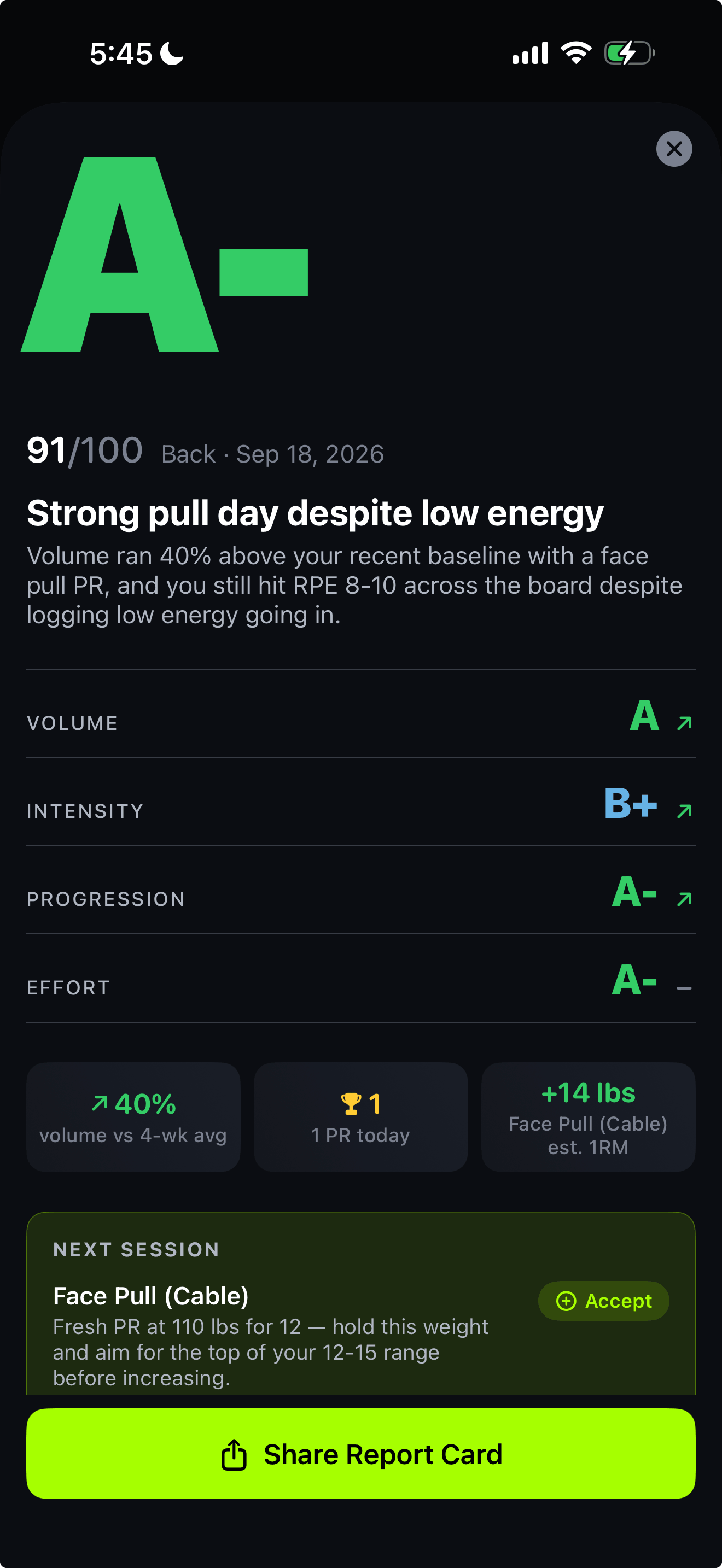
Caught today
The workout you just did, any lift over time, and your last 30 or 90 days. Each gets a grade and what to change.
This workout
A-
Strong pull day despite low energy
This lift
Bench press, up 20 lb in 8 months
Last 30 days
B
Put the bench back to 180 for 4x8
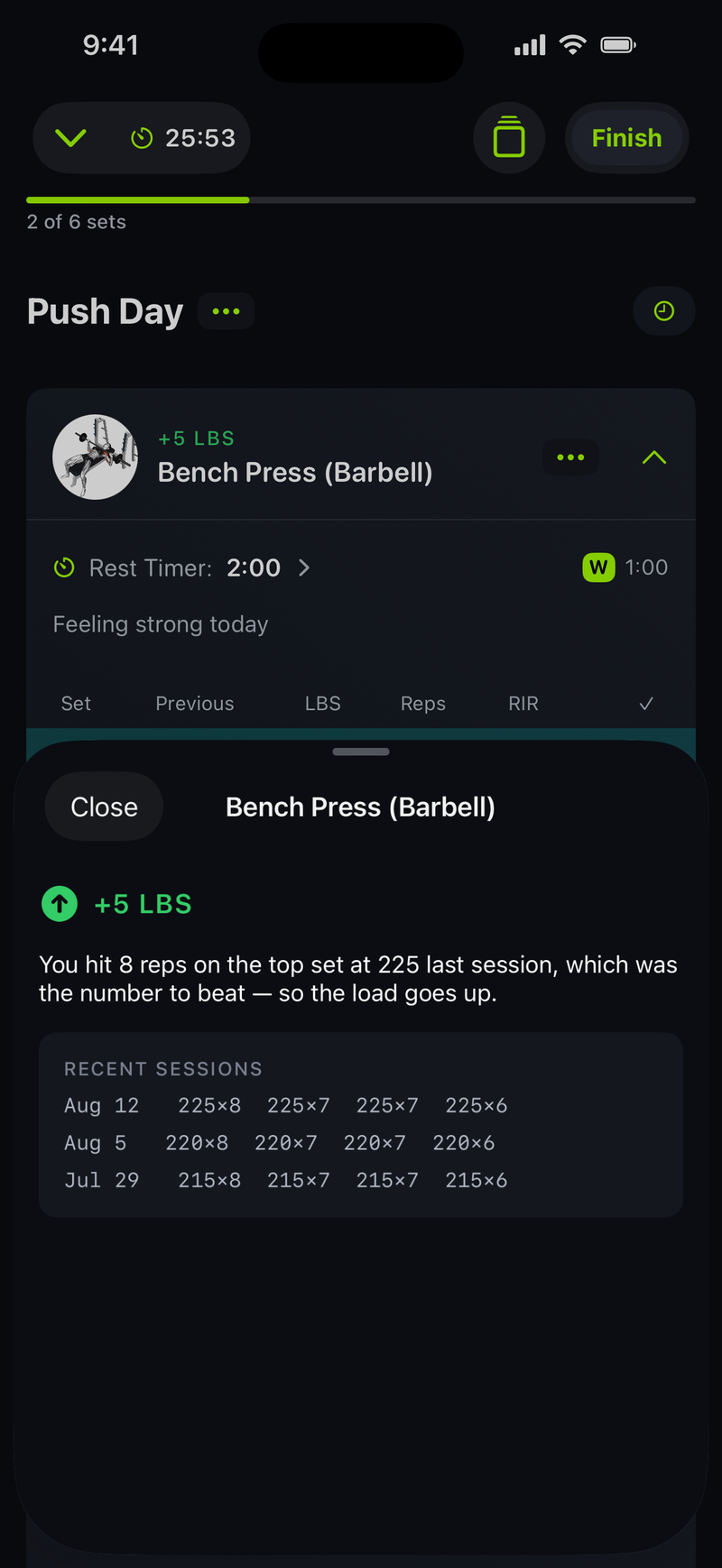
Applied to today
Prefilled: 230 × 8 · 4 sets
Open an exercise and the number is already there: add five, match your best, or ease back when your sets say so. Tap the verdict and see the evidence behind it. Progressive overload without the math.
The evidence
"You hit 8 on the top set at 225 last workout. That was the number to beat, so the load goes up: 230 for 8."
Inside the app
Strength Score
this month
One number for where you stand. Moves when the bar moves.
Strength balance
Five movement patterns. Pull is your fastest path to a higher score.
Training volume
Weekly sets per muscle against the 10 to 20 set growth range.
Muscle recovery
What's ready to train today, from what you actually logged.
Est. 1RM · Bench Press
12 chart types. Build the dashboard you actually want.
Rep maxes · Bench Press
1RM
291
2RM
273
3RM
264
4RM
257
5RM
249
6RM
243
7RM
236
8RM
230
9RM
224
10RM
218
11RM
213
12RM
208
Every rep range, worked out from what you actually lift.
Rep schemes
Straight, pyramid, or reverse pyramid. Targets follow the scheme you run.
Exercise library
Video demos and instructions for every one. Or create your own.
Week streak
Show up, the streak takes care of itself. Best: 14.
Progress photos
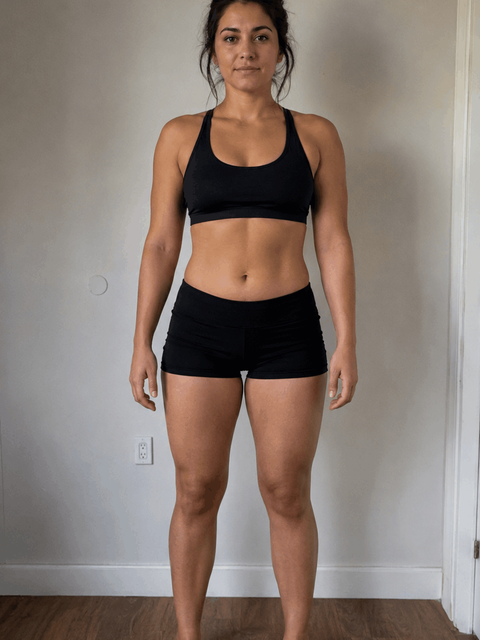 May 1
May 1 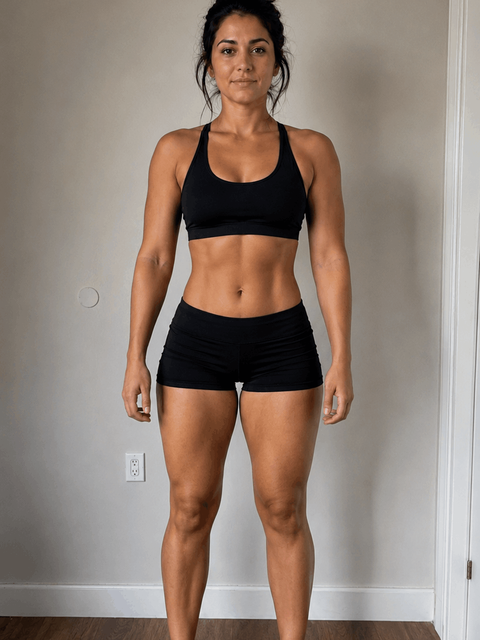 Aug 12
 Front, side, back. Compare any two dates. Stored on your device only.
Plate calculator
225 lbs
45 + 25 + 10 each side
From your own plate inventory and bar weight.
Effort logging
Your effort, your dialect. The engine reads all three.
Focus mode
Bench Press · Set 2 of 4
230 × 8
The whole screen on the set in front of you. Log it, rest, next.
Muscle balance
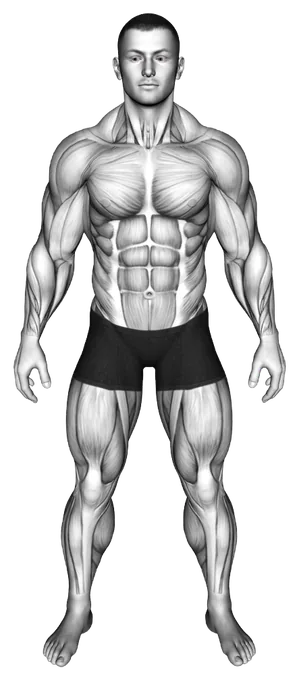
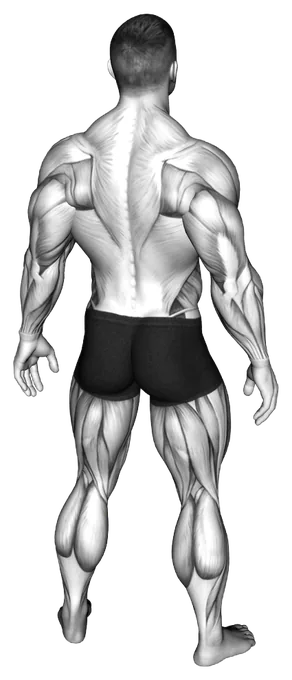
Where your sets actually go. Push is outrunning legs this month.
Apple Health
Every workout lands in Apple Health automatically.
Muscle balance
Trainlike reads where your sets actually went. A muscle you keep skipping has nowhere to hide.
Sets per muscle, every week.
Working sets land on the muscles they trained, drawn against the 10 to 20 weekly sets where growth typically happens.
The longer view.
Each muscle’s share of your sets by week, month or year. Push outrunning legs is invisible day to day and obvious here.
What is ready to go again.
Per-muscle recovery read from the last month of sets, right on the Train tab before you pick a workout.
Volume and recovery in the user guide.
The record
Personal records caught automatically. Nothing you earn goes unnoticed.
Rep PR · Bench Press
230 × 8
Est. 1RM 291 lbs. Beats 225 × 8 from Aug 12.
Every record keeps the set that earned it, the math behind it, and the best it beat. Estimated maxes are labeled for what they are.
Strength Score
487
Up 6 since last month. Built from your five main movement patterns.
One number for where you actually stand. It moves when the bar moves, and never for anything else.
Philosophy
Some apps record your sets and leave it there. Others reshuffle your plan every week and keep you starting over. Lifts are skills: you get stronger at the movements you practice, and progress you can measure needs movements you repeat. Change your program when you choose, not when an algorithm needs to look busy.
01
Bring the program you already run, or answer a few questions and get a starter plan. Either way, it becomes yours.
02
Every workout updates your next numbers: more weight, more reps, or a step back when the evidence calls for it.
03
Grades, verdicts, and records all open into the workouts behind them. No black box.
Getting started
Bring your history, bring a program, or start from nothing. The first workout counts either way.
Import complete
Import from Strong or Hevy, with a review step before anything is saved. Your records, charts, and Strength Score light up from years of training, and your first insights read your real history.
Your starter plan
Week 1 · Day 1
Answer a few questions and get a starter plan built around your goals and equipment, with your first workout scheduled. It shows you what's next as you move through it.
Scanned from a screenshot
Pull Day
The program sitting in your camera roll becomes an editable routine in a few taps, matched exercise by exercise so you can fix anything that landed wrong. Keep it exactly as written. Your targets are what move.
Word of mouth
Getting a grade after every workout is weirdly addictive. I want the good grade.
Mack F.
App Store review
No more guessing. I just show up and know exactly what to lift and how much weight to use.
Otto Z.
App Store review
Down 18 lbs and my lifts didn't drop. The consistency tracking is what did it.
Amir P.
App Store review
The full record
Build programs, track body measurements, log effort, create custom exercises. It's all here.
FAQ
First three workouts free, insights included.